


Simplifying IT
for a complex world.
Platform partnerships
- AWS
- Google Cloud
- Microsoft
- Salesforce
ShareRing Solutions is live: identity checks for accountants, real estate agents and bookmakers.
Explore ShareRing Solutions (opens in a new tab)Log in / Sign up


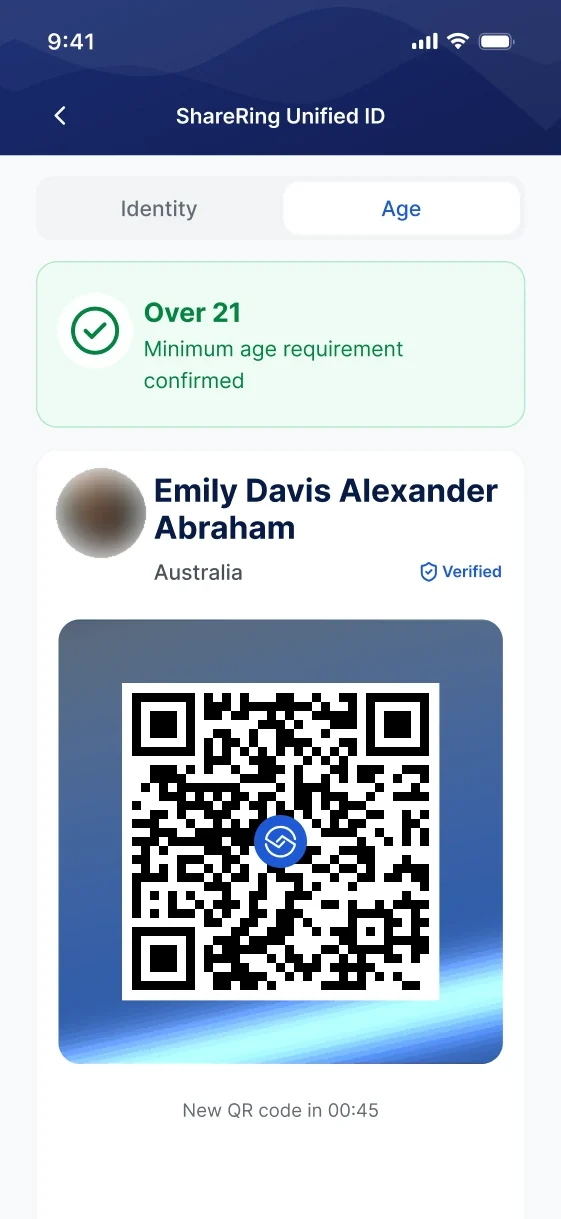
Prove is your offline identity inside ShareRing Me. You pick the situation you are in, and Prove proves the one thing that situation asks about you.
Coming soon to
 inside
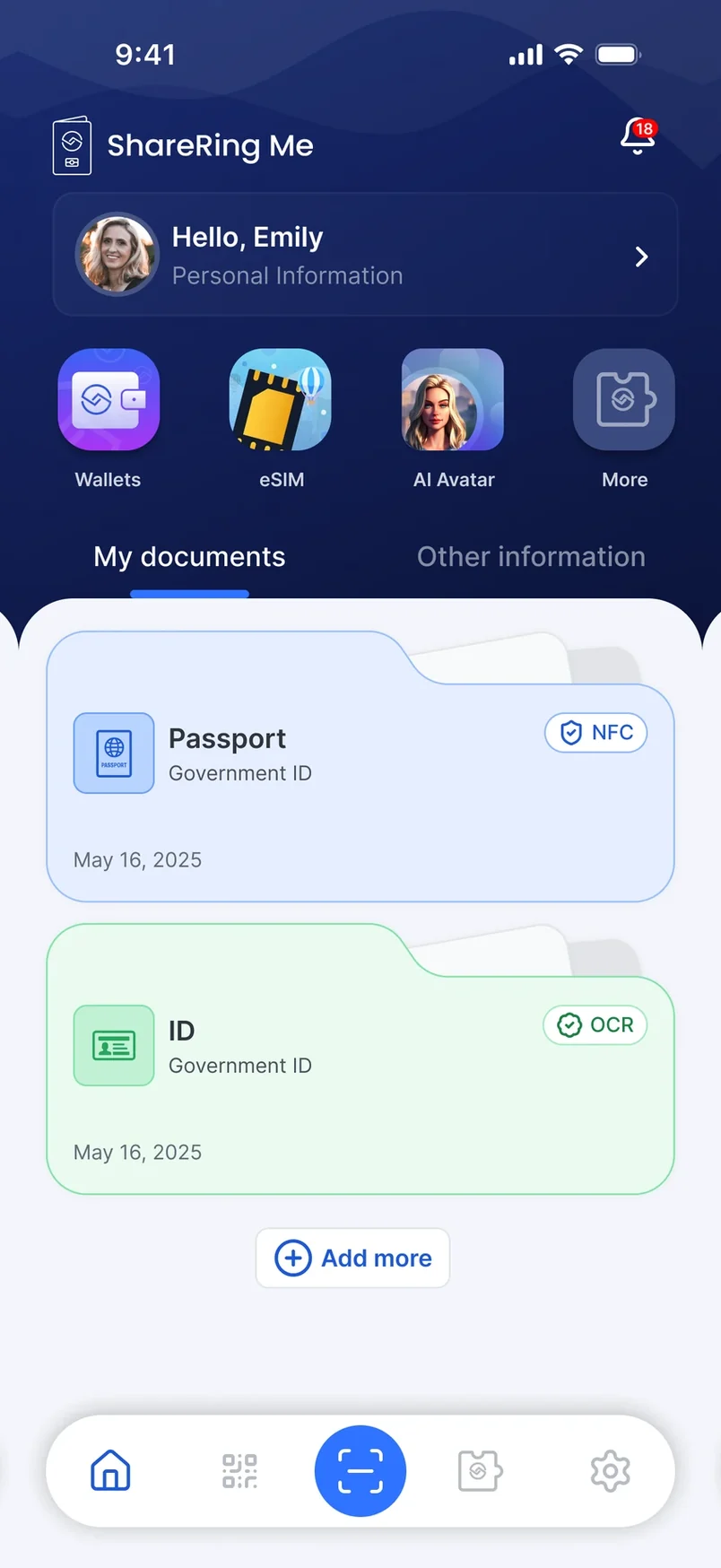
 Prove sits inside ShareRing Me, next to the identity you have already verified.
There is nothing extra to install, no second account and no separate wallet to keep in step.
It is a feature of the app, not an app of its own.

Buying alcohol. Getting into a club. You choose what you are proving before you show anyone anything.

Prove works offline. A doorway with no reception is exactly where being asked to prove something usually happens.
The scenario decides what is proved. Everything else you hold in ShareRing Me stays where it is.
Prove works offline. A doorway with no reception is exactly where being asked to prove something usually happens.
The scenario decides what is proved. Everything else you hold in ShareRing Me stays where it is.
The scenario decides what is proved. Everything else you hold in ShareRing Me stays where it is.
Verification that needs a connection fails in exactly the places identity gets checked most, and the fallback is always the same: hand over a physical card and let a stranger read all of it.


Handing a licence across a counter to prove you are old enough also hands over your full date of birth, your name, your address and your licence number.
Nothing is passed over and nothing is photographed. What you hold stays in your vault inside ShareRing Me, where it already lives.

The same principle that runs through the rest of ShareRing: answer the question that was asked, with nothing else attached to it.
Nothing is passed over and nothing is photographed. What you hold stays in your vault inside ShareRing Me, where it already lives.
The same principle that runs through the rest of ShareRing: answer the question that was asked, with nothing else attached to it.
The same principle that runs through the rest of ShareRing: answer the question that was asked, with nothing else attached to it.
Frequently asked
 inside Availability
Prove has not been released yet. It is coming to ShareRing Me, alongside the identity and credentials you already hold there.
The way to be ready for it is to be on ShareRing Me before it lands.
