

Simplifying IT
for a complex world.
Platform partnerships
- AWS
- Google Cloud
- Microsoft
- Salesforce
ShareRing Solutions is live: identity checks for accountants, real estate agents and bookmakers.
Explore ShareRing Solutions (opens in a new tab)Log in / Sign up


 ShareRing Me
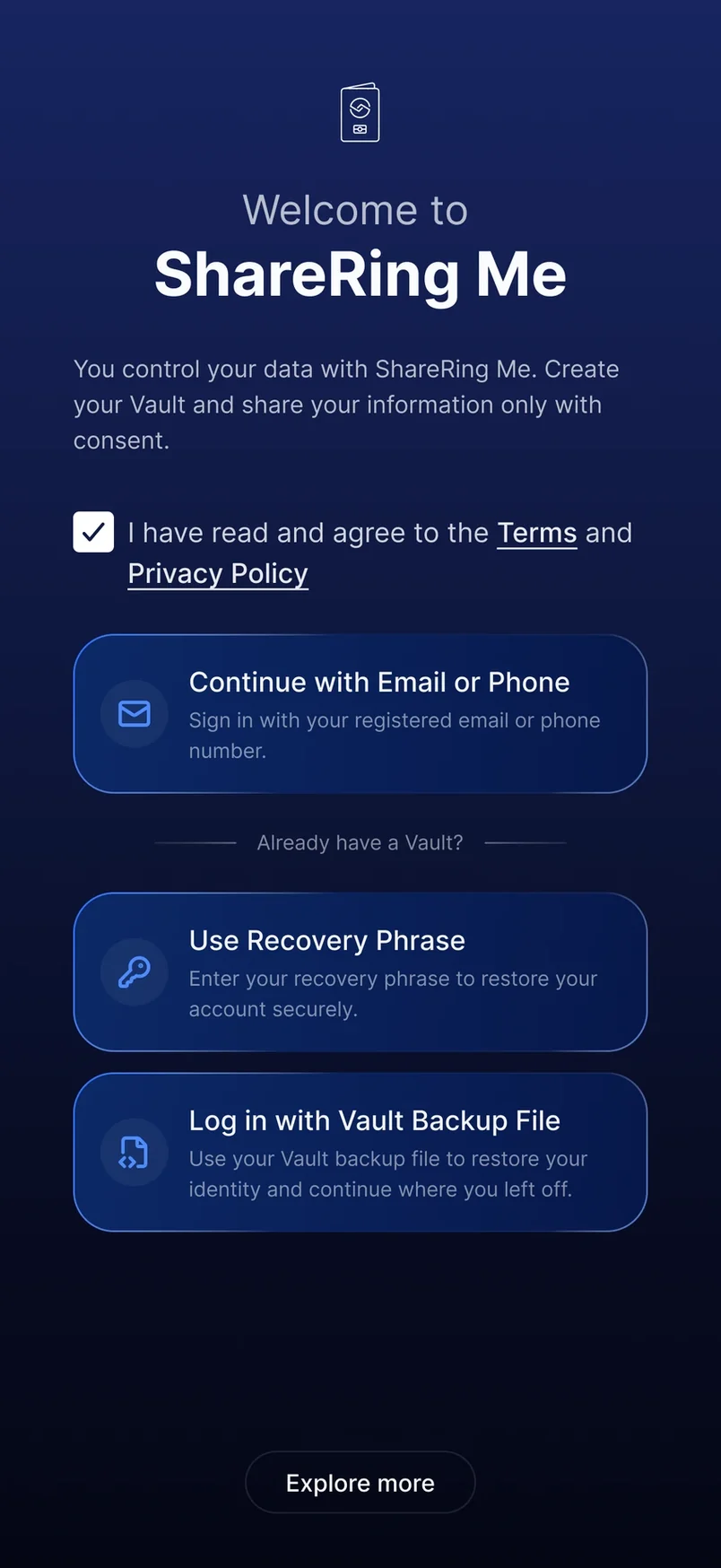
 Your identity. In your pocket. Owned by you.
Already using ShareRing Me? Update from the store and keep everything: your vault, accounts and documents stay in place. No fresh install.


Already using ShareRing Me? Update from the store and keep everything: your vault, accounts and documents stay in place. No fresh install.
 V3
V3Sign up with email or phone.
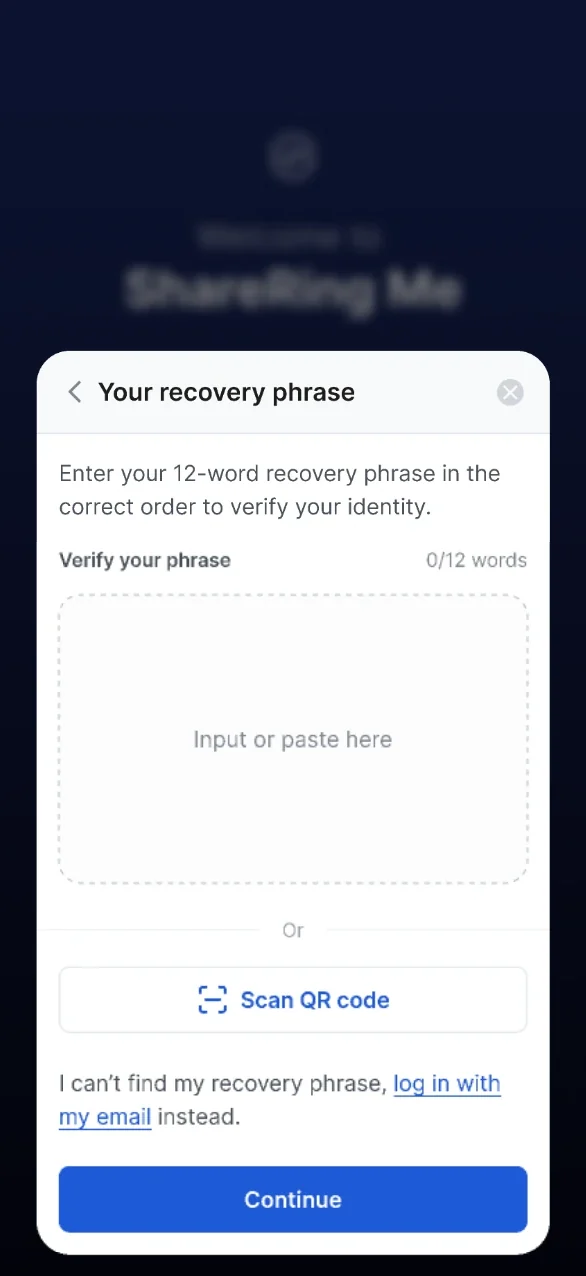
Log in with your ShareRing passphrase, a passphrase from another platform, or a vault backup file.
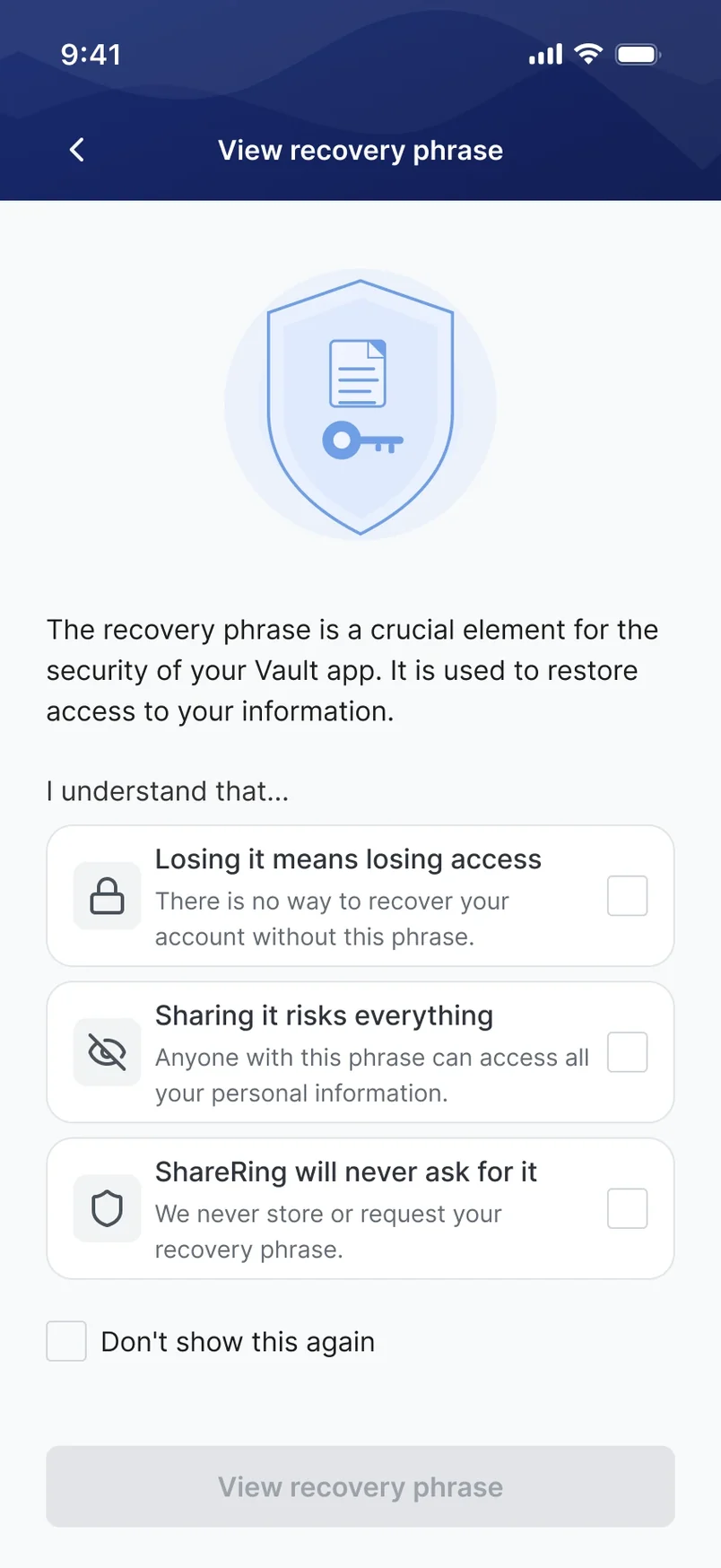
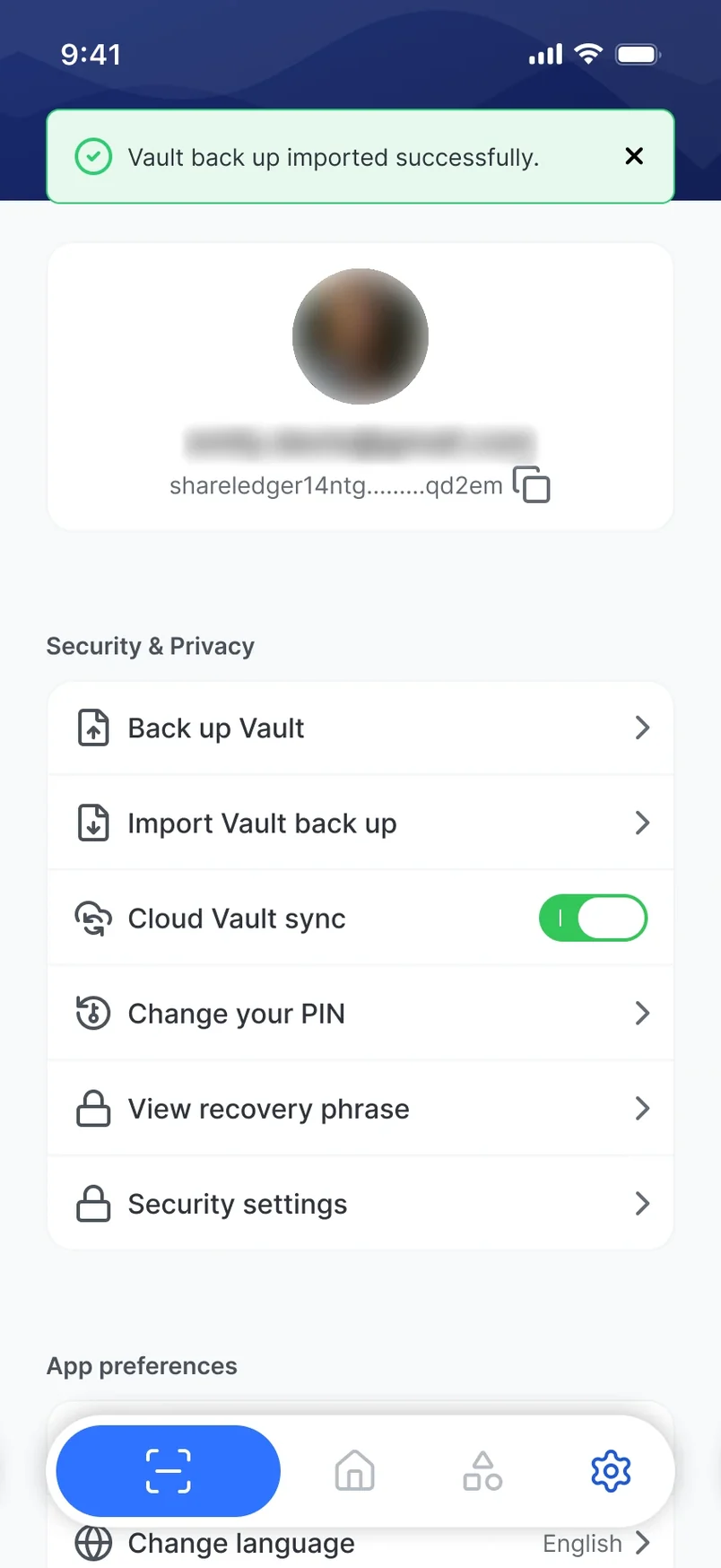
Back up your vault, import a backup, cloud vault sync.
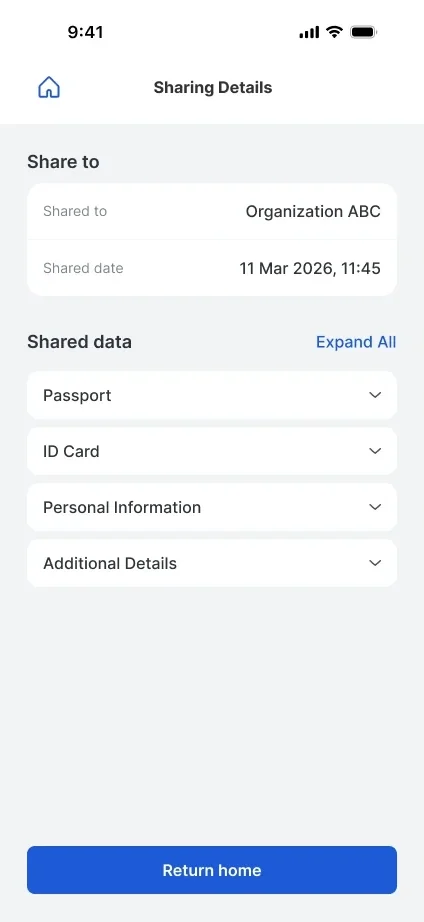
Now works on tablets and foldables.
Rebuilt in V3
Add your government ID, other documents and information. Preview each document before you submit it. The photo from your ID becomes your profile picture.
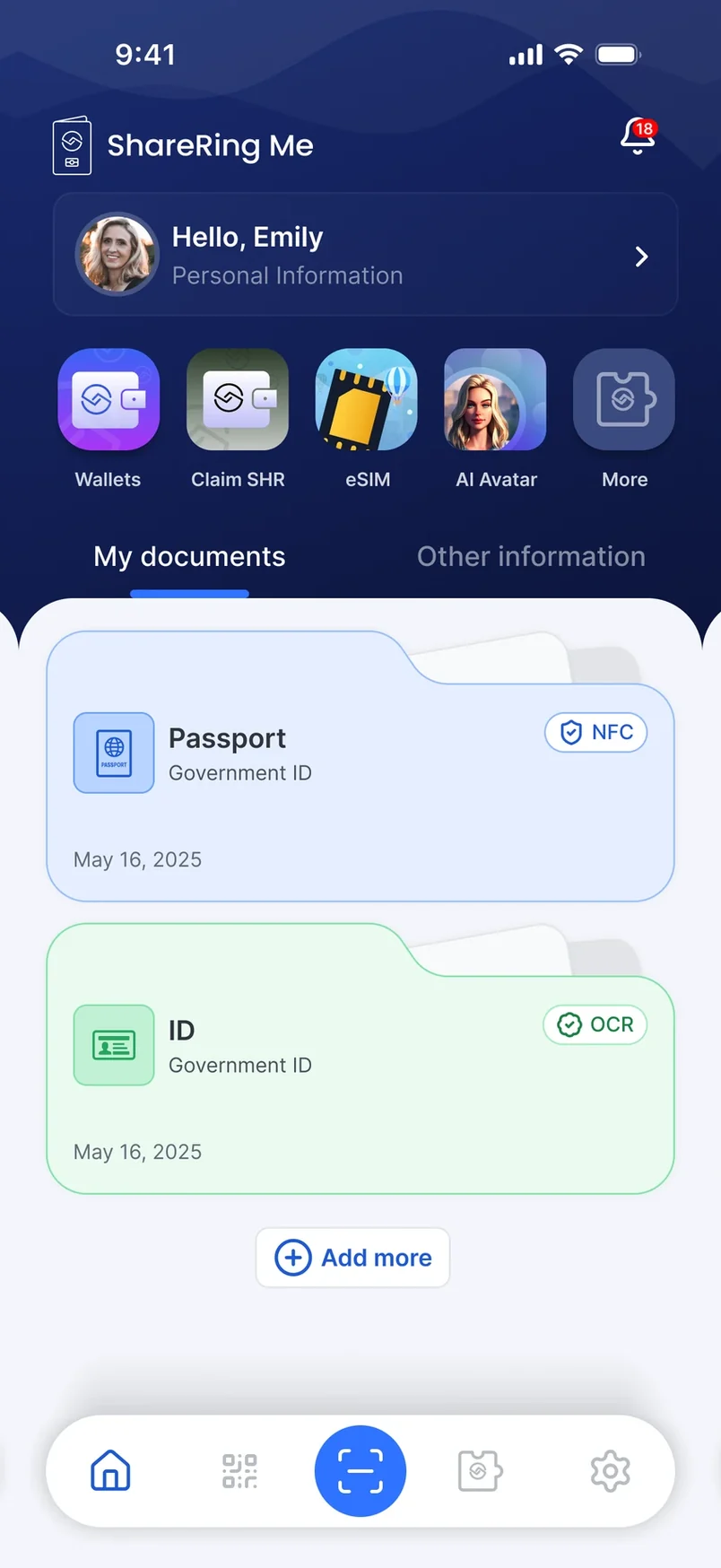
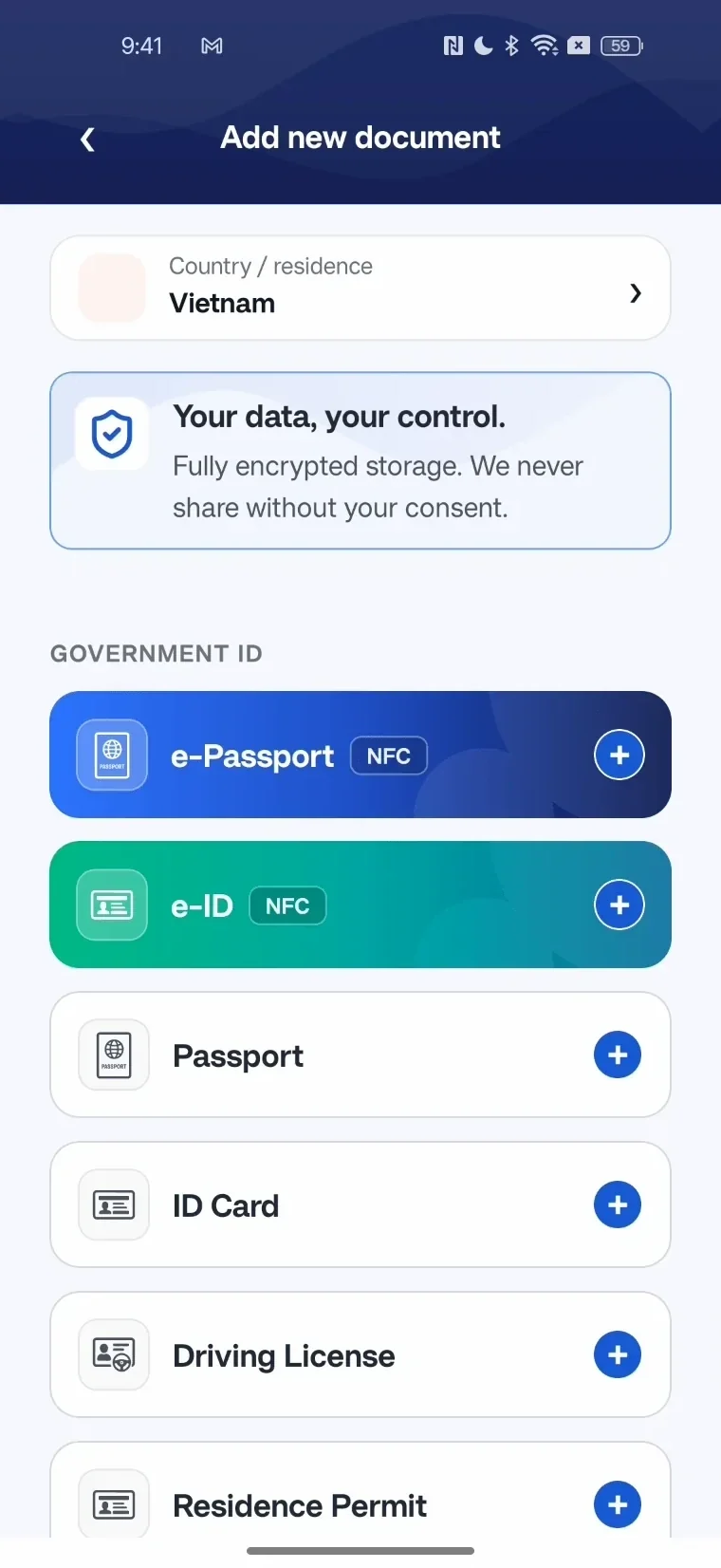
Add your government ID, other documents and information. Preview each document before you submit it. The photo from your ID becomes your profile picture.

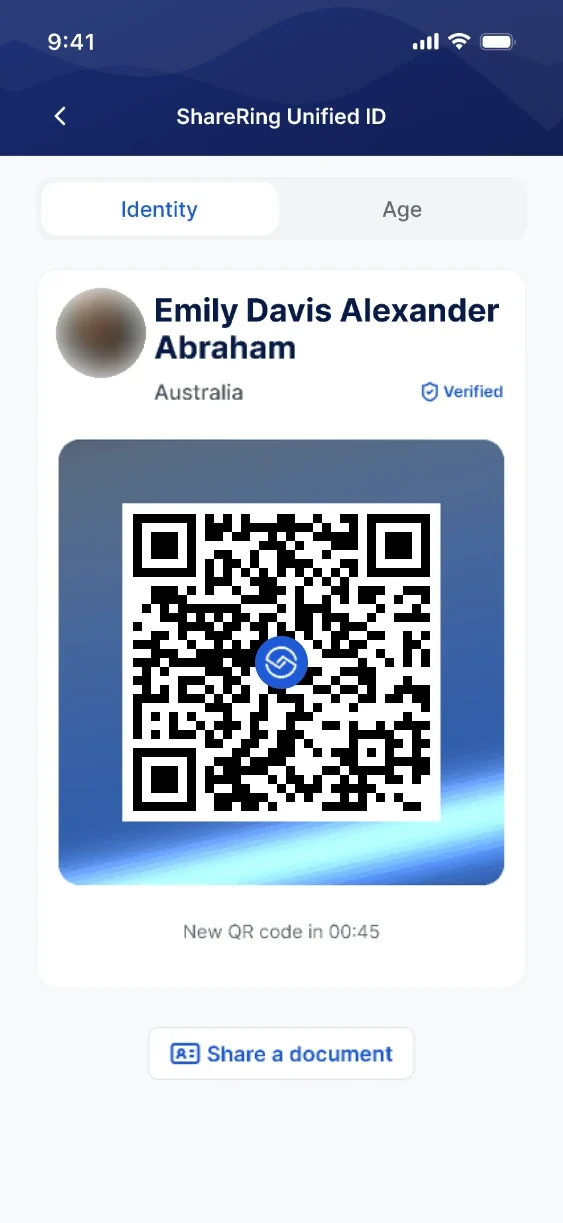
Scan the QR code and see exactly what is being requested before you share. You get a clear result once it is done.
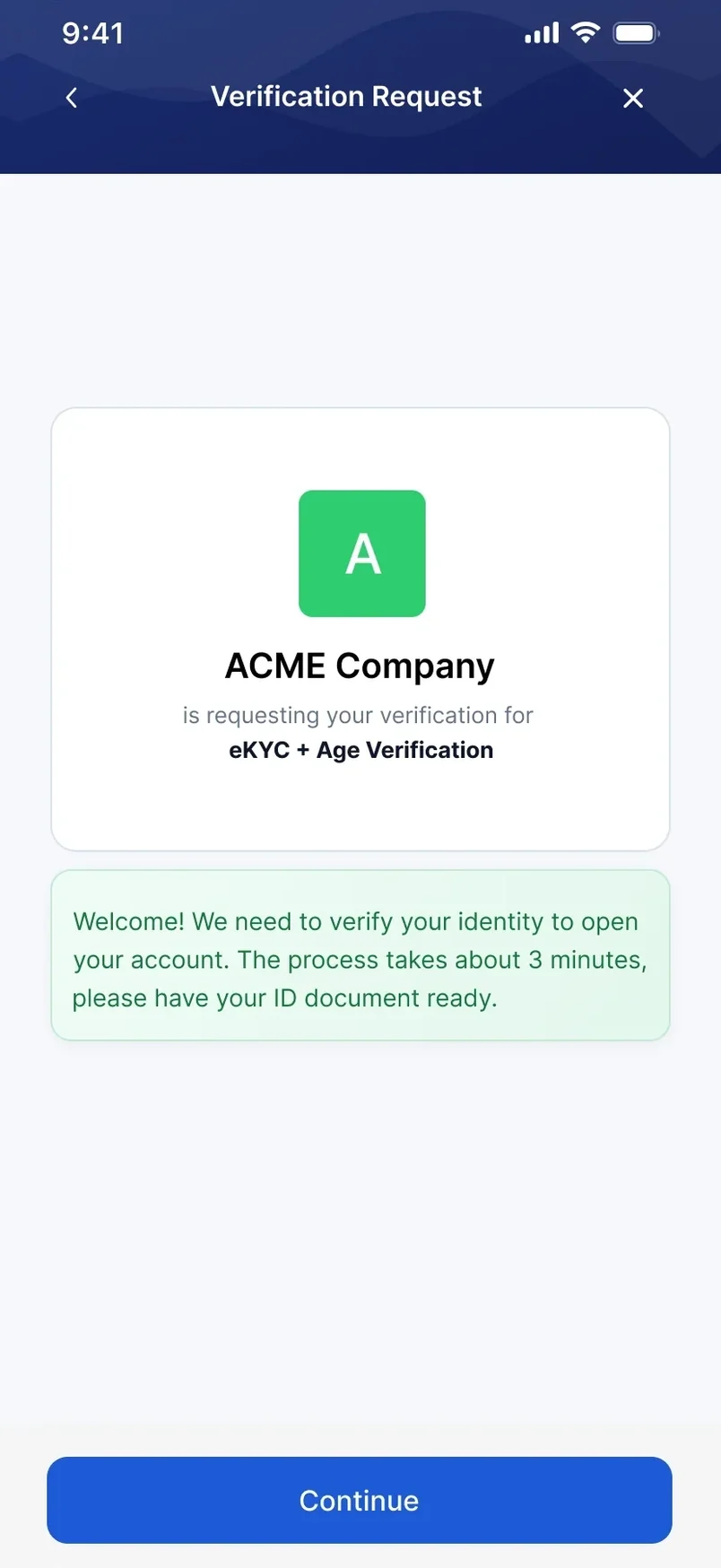
ShareRing supports selective disclosure. You approve every share in the app.

At a bottle shop or a venue door, prove you are over 18 without showing your date of birth.

For a region-locked service, confirm your country without sharing your full address.

Checking in after a flight, share the one passport, ID card or driver licence you choose.

Signing up for something new, share just your name and email address.

For a delivery or a new utility account, share your address only when it is asked for.

At a meetup, let someone scan your QR code to save your contact details.
Remove or delete your account any time in Settings. FAQs are built into the app.
Remove or delete your account any time in Settings. FAQs are built into the app.
Me Modules are mini apps that run inside ShareRing Me, connected to your verified identity and your wallet.

Me Modules are mini apps that run inside ShareRing Me, connected to your verified identity and your wallet.

Manage your ShareToken, Staking, Swapping


Claim your competition SHR rewards and stake them on a validator.

Buy a data plan instantly with eSIM - perfect for your travel

Create your own AI Avatar

Prove anything, anywhere, even offline
Me Modules are open to developers. Connect your product to verified identity without ever touching raw personal data.
Build your own
Connect your product to verified identity without ever touching raw personal data.
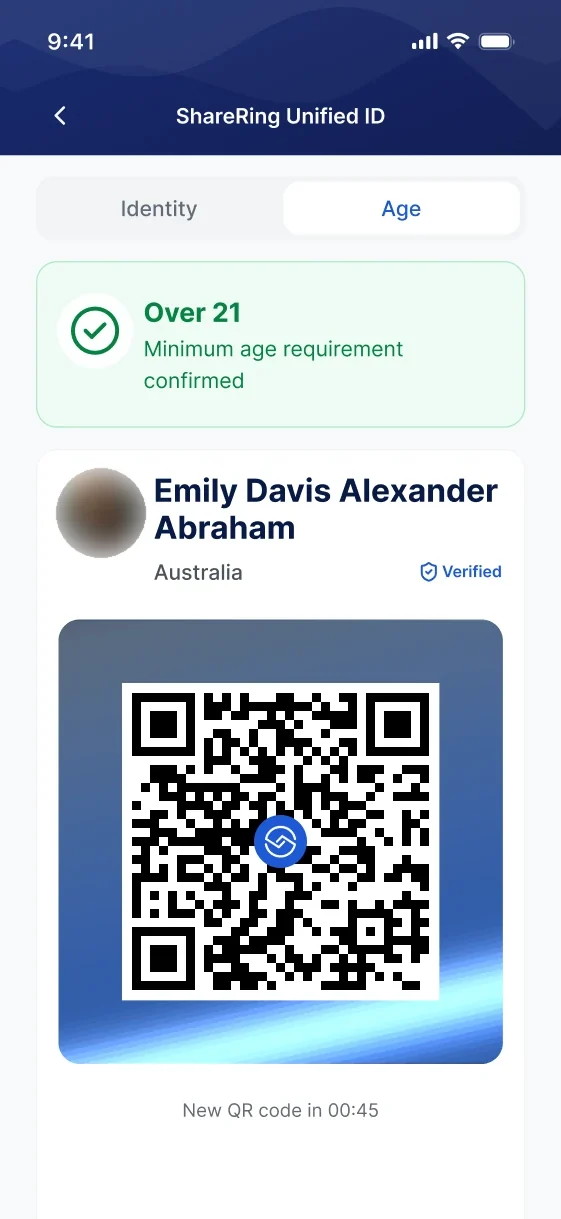

Prove is your offline identity inside ShareRing Me.
Coming soon
Coming to ShareRing Me.
Coming soon
Coming to ShareRing Me.
Coming soon
Prove is your offline identity inside ShareRing Me.
Coming soonYour ShareRing Me wallet powers privacy-first verification across ShareRing Link and every industry we serve.

The no-code verification platform that talks to your wallet. One scan, every workflow.
 Banking
 identity verification, without the friction.
Banking
Banking identity verification, without the friction.
 Finance
KYC that keeps pace with new AML obligations.
Finance
KYC that keeps pace with new AML obligations.
 Crypto Exchanges
Crypto-grade KYC, without the user tax.
Crypto Exchanges
Crypto-grade KYC, without the user tax.
 Accounting
Client verification that does not break tax season.
Accounting
Client verification that does not break tax season.
 Legal
Verify every client. Keep practising.
Legal
Verify every client. Keep practising.
 Real estate
AUSTRAC compliance, without the settlement-day scramble.
Real estate
AUSTRAC compliance, without the settlement-day scramble.
 Bookmakers
Verify the punter before the bet.
Bookmakers
Verify the punter before the bet.
 Ecommerce
Verify at the checkout, without losing the sale.
Ecommerce
Verify at the checkout, without losing the sale.
 Dating, creator and adult
Your users prove they're 18. They never hand you their ID.
Dating, creator and adult
Your users prove they're 18. They never hand you their ID.
 Travel
One journey, two essentials.
Travel
One journey, two essentials.
 Entry and visa
Universal entry and visa flow for Asia.
Entry and visa
Universal entry and visa flow for Asia.
 Nightlife
Seamless, privacy-first solutions for the nightlife industry.
Frequently asked
Nightlife
Seamless, privacy-first solutions for the nightlife industry.
Frequently asked
 Frequently asked
Free on iOS and Android.
 Built to GDPR
 Built to AUSTRAC AML/CTF